A calculator sits in an odd place in a calculus course. Banned in half the exam, required in the other half. Asking the machine for the value of a limit teaches you nothing, but without seeing the graph of a function you often cannot tell why the limit behaves the way it does there. So the right machine is not the one that tells you the answer, it is the one that shows you the idea.
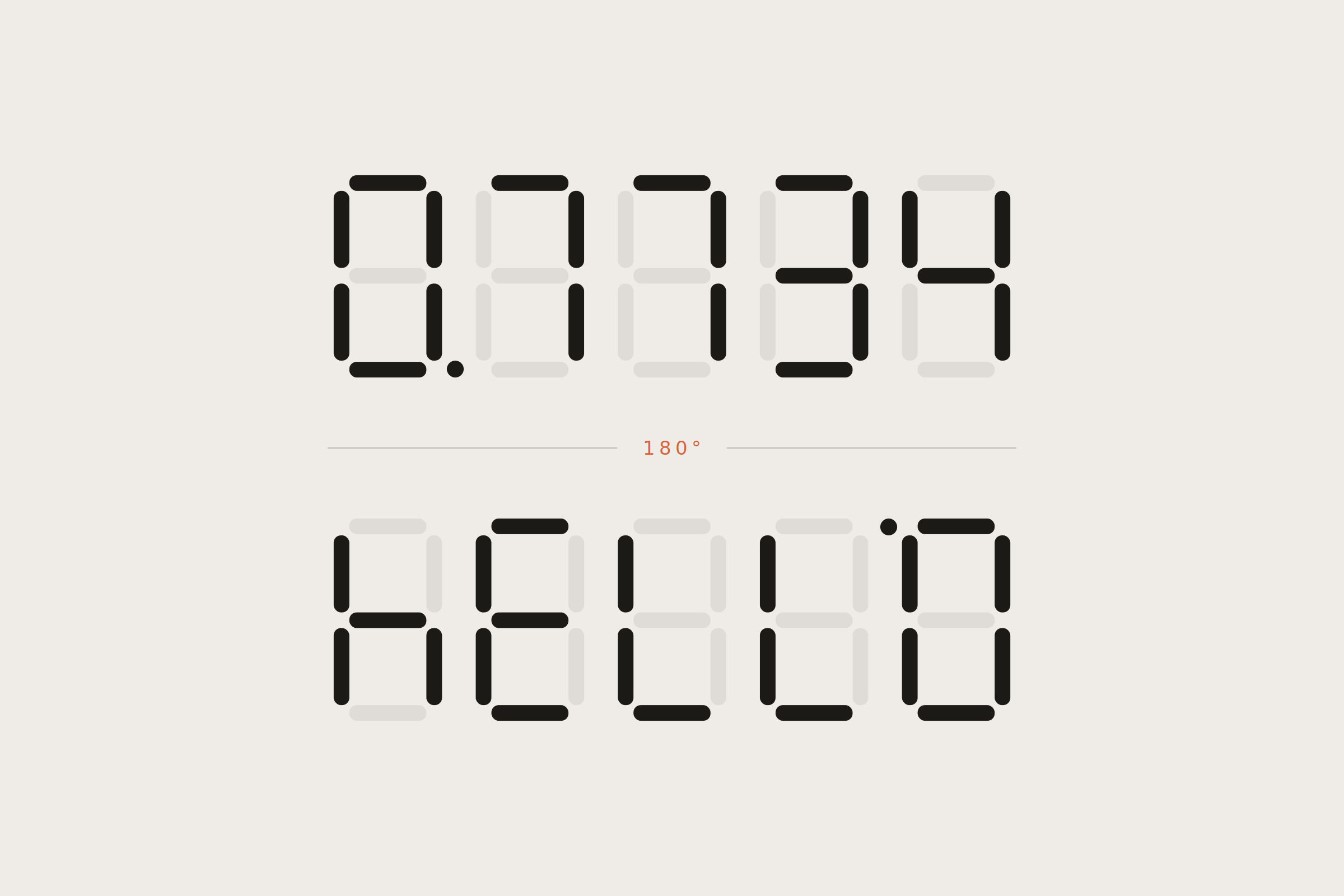
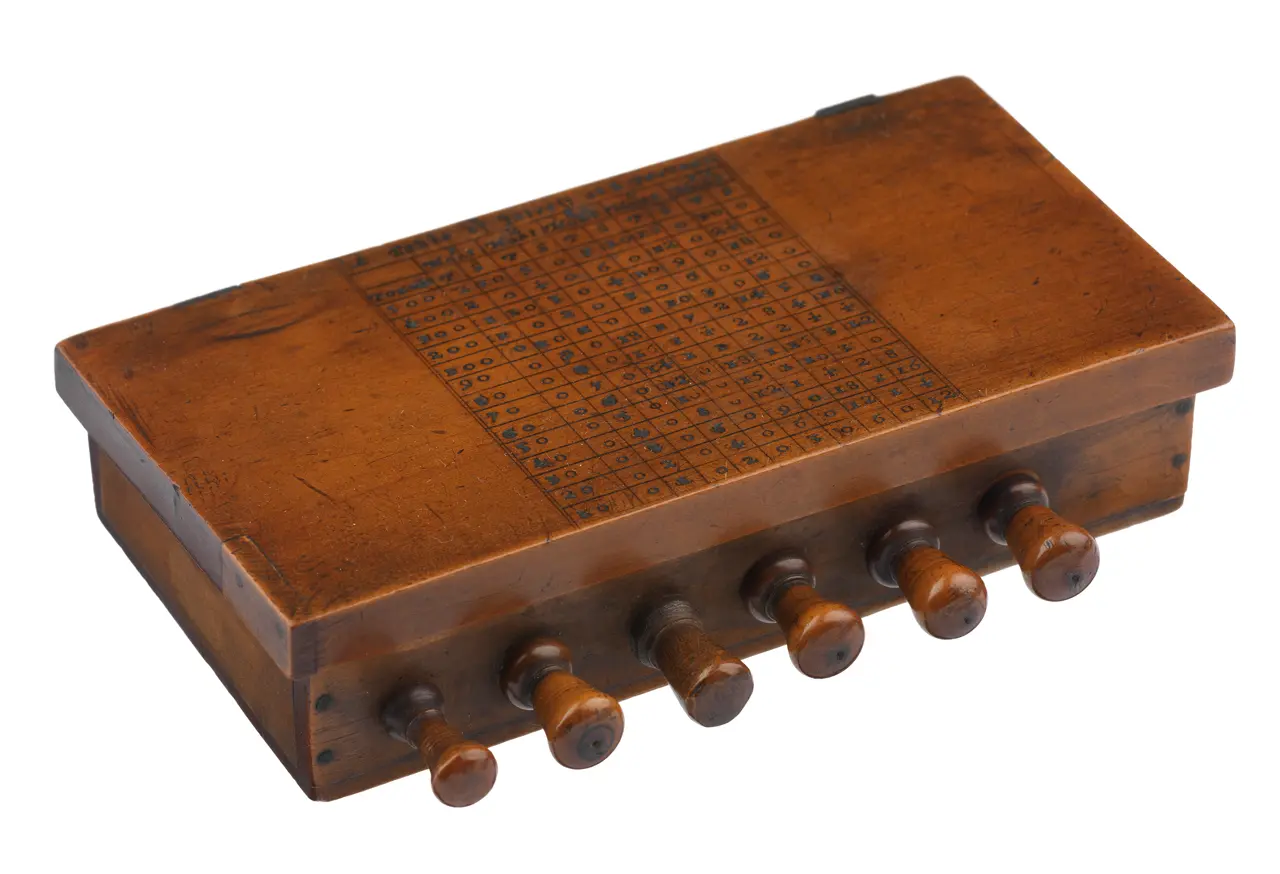
Machines for calculation are far older than the subject they serve — Napier’s bones were multiplying three centuries before anyone sat a calculus exam — and the keypad has always carried a bit of play alongside the work, as anyone who has spelled words upside down on a display knows. What has changed is the screen. A machine that draws the function is a machine that argues with you, and that is the part worth paying for.
I ranked the eight machines below with that in mind. Use the filters to narrow the list down to whatever constraint you are working under.
- 01
NumWorks
Top of the list
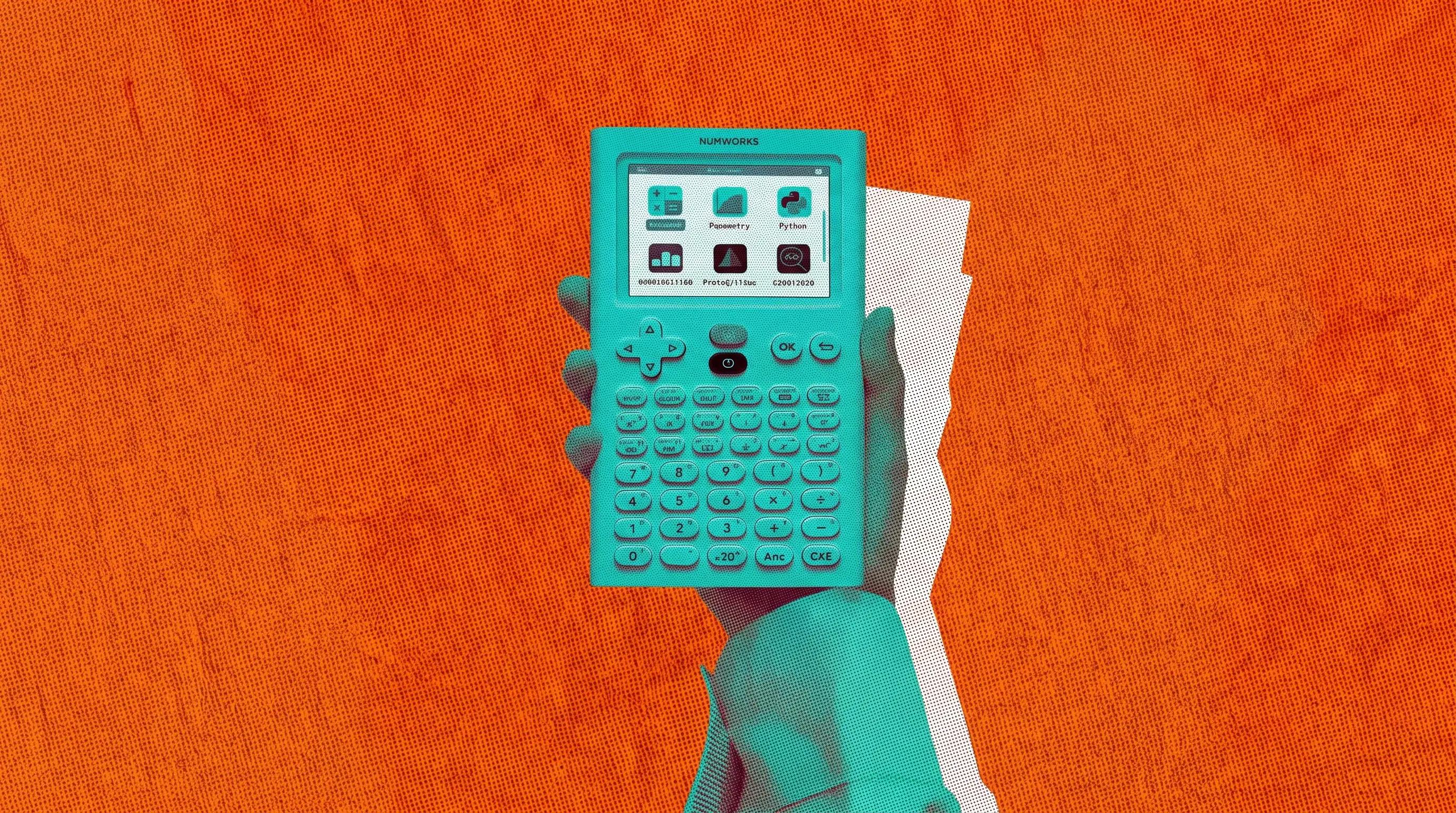
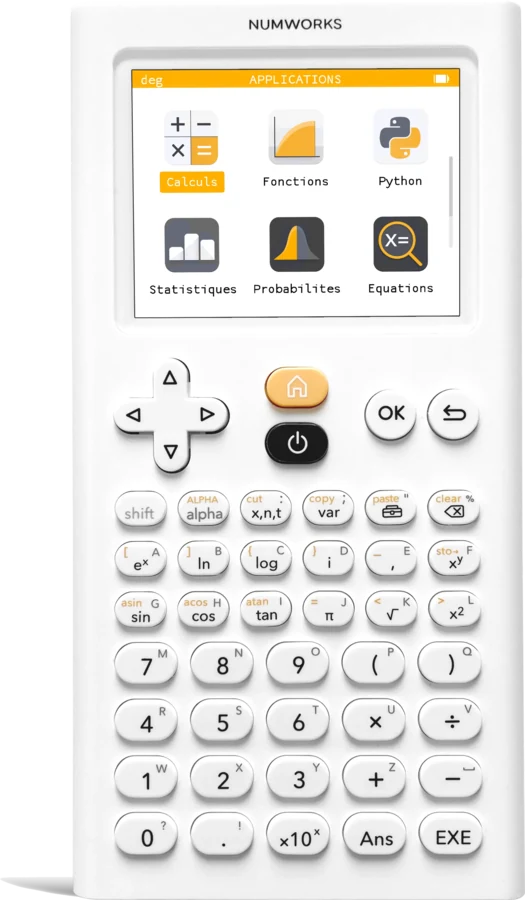
I put this machine first not for technical superiority but for its stance. The French-made NumWorks publishes its software in source-available form and shares its hardware design under a Creative Commons licence. The tool in your hand is not a sealed box, it is something you can open up and look inside. A mathematical instrument being like that feels right to me.
The same goes for using it. The menus are laid out as icons like a phone home screen, there are no key combinations to memorise, and calculations, functions, sequences, statistics, probability and regression each sit in their own app. It was also the first graphing calculator programmable directly in Python rather than in a language of its own. For someone studying calculus that means you can write a Riemann sum or Newton's method yourself in twenty lines.
The gap is plain, there is no symbolic algebra. It will not give you a derivative as a formula. While you are learning, though, you might not count that as a gap, because it leaves you having to take the derivative by hand.
- CAS
- No
- Python
- Yes
- Screen
- 2.8" colour
- Exams
- SAT, ACT, AP
- 02
TI-Nspire CX II CAS
For symbolic work
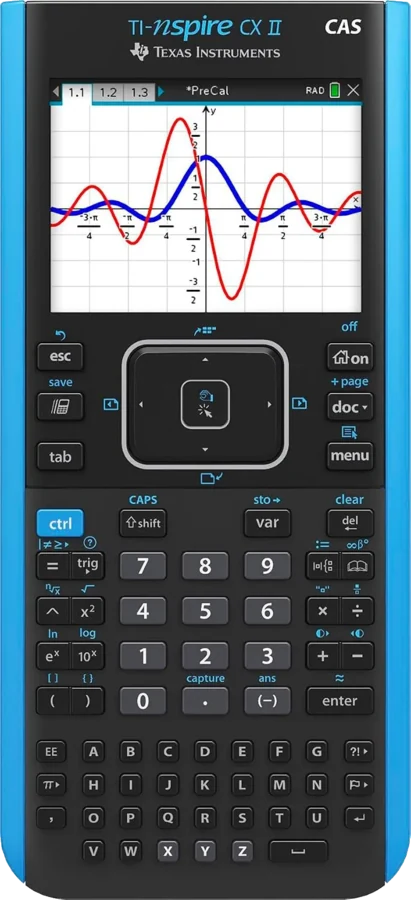
If you want the result of an integral as an expression rather than a number, this is the machine. It pulls ahead of the TI-84 with spreadsheets and Python while staying approved for the SAT, PSAT and ACT. Careful here though, that does not hold for the CAS version, which I come back to below.
The real use of CAS for a calculus student is not getting the answer but checking your own. You solve an integral by hand, then ask the machine, and when the two disagree you go looking for where the mistake is. For someone studying alone, that stands in for the teaching assistant.
It comes at a cost. The document-based structure wears you down in the first few weeks, and the machine is not cheap.
- CAS
- Yes
- Python
- Yes
- Screen
- 3.2" colour
- Exams
- SAT, AP, IB
- 03
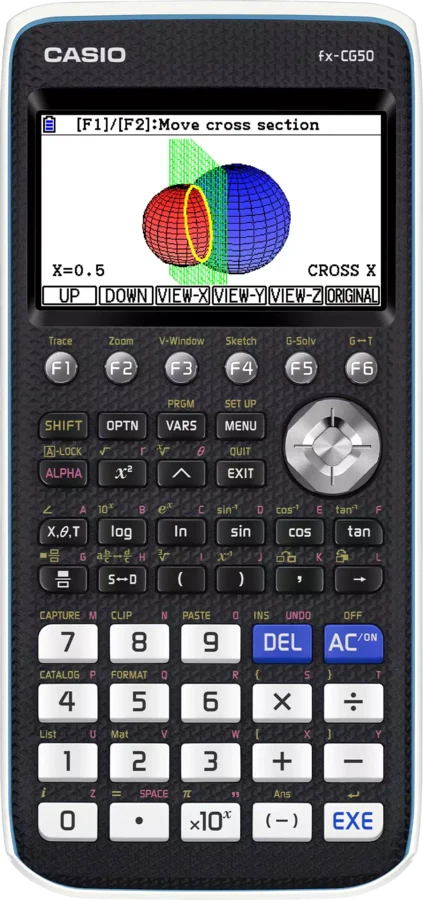
Casio fx-CG50 PRIZM
For seeing in three dimensions
What this machine really offers a calculus student is 3D graphing. Being able to rotate the surface of a multivariable function on screen does more work than every sentence written to explain what a partial derivative means. Its high-resolution colour screen and 3D capability rival pricier models, and it is approved for the SAT, ACT and AP exams.
Casio's menu logic also asks for less memorisation than TI's. Its icon-based menu and the built-in Python support on newer models make it a strong alternative to the industry leader.
In exchange there is no symbolic algebra, so it takes derivatives numerically.
- CAS
- No
- Python
- Yes
- Screen
- 3.17" colour
- Exams
- SAT, ACT, AP
- 04
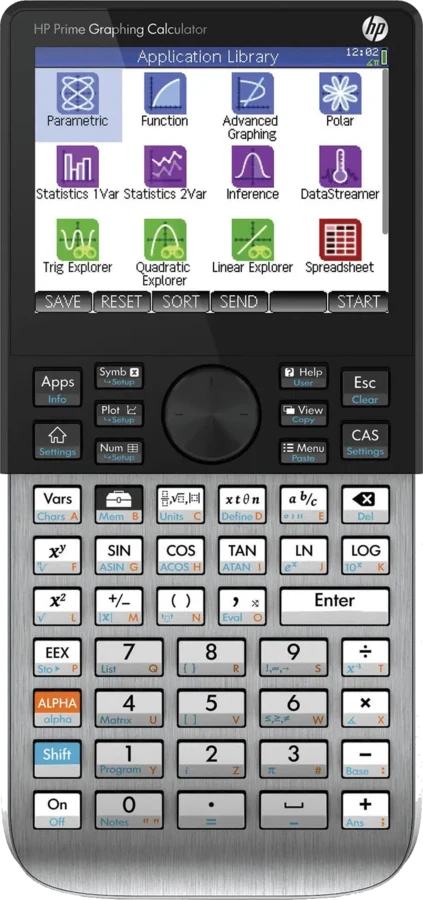
HP Prime G2
The fastest one
This is the most powerful machine a student can buy. A pinch-and-swipe colour screen, a full CAS and HP's own programming language make it formidable, and it is approved for the SAT, PSAT, AP and IB, just not the ACT.
The touchscreen is not decoration here. Zooming into a graph with your fingers and moving around a critical point is far smoother than typing window settings on a keypad, and it is something you do constantly in a derivatives course.
The ACT restriction is a serious constraint though. If you are sitting that exam you will need a second machine.
- CAS
- Yes
- Python
- Own language
- Screen
- Touchscreen
- Exams
- SAT, AP, IB
- 05
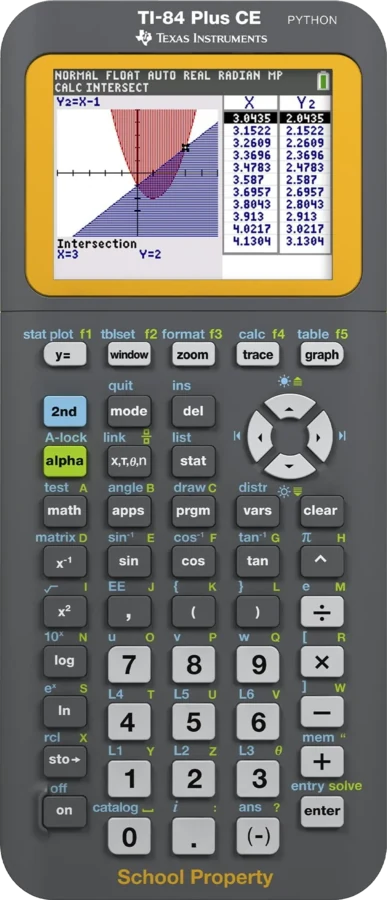
TI-84 Plus CE
The classroom lingua franca
Technically it is not the most exciting machine on the list, but in practice it is the least troublesome. Being this widespread in American classrooms and this well supported on standardised tests makes it the safest choice for most students.
What that means concretely is that when your teacher walks through the keystrokes at the board, the machine in your hand is the same machine. When you get stuck, a video already exists for whatever you are looking for. For a student working alone that is worth more than most extra features.
The newer version runs Python too, but there is no symbolic algebra.
- CAS
- No
- Python
- Yes
- Screen
- 2.8" colour
- Exams
- SAT, ACT, AP
- 06
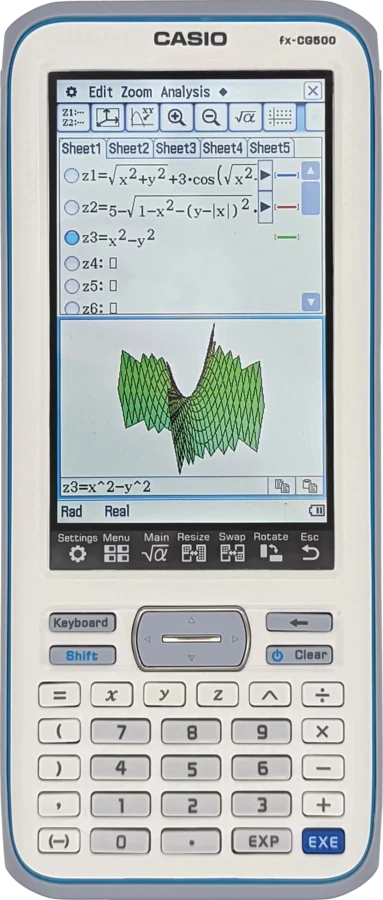
Casio fx-CG500
Big screen, touchscreen CAS
The striking thing about this machine is the screen. Its 4.8-inch 320 by 528 portrait display, paired with CAS, gives the largest working area on this list. Seeing a long integral expression on a single line matters more while studying calculus than you would expect.
A fair number of owners find it the stronger machine, too. Some report that after using the TI-89 Titanium, two generations of Nspire CX CAS and the HP Prime, the clear winner across Calculus I and II was the fx-CG500, citing more functions, faster graph drawing and a much larger screen area.
The stylus-driven interface feels unfamiliar the first time you use it, which I will say up front.
- CAS
- Yes
- Python
- No
- Screen
- 4.8" touchscreen
- Exams
- SAT, AP
- 07
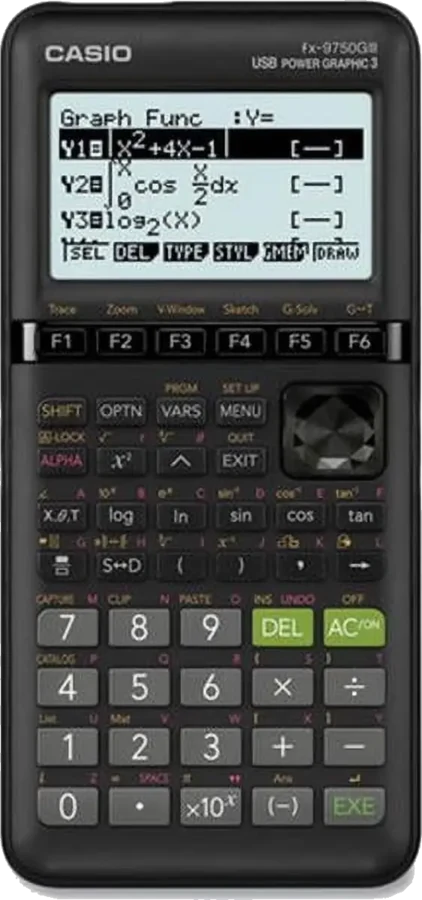
Casio fx-9750GIII
For the student with no money
My only reason for including it is that no student should be left without a graphing calculator. Among budget graphing calculators this one sets the bar. It is test-legal, Python-capable and fast, and it costs a fraction of the colour models without giving up the features that matter.
The screen is small and monochrome. But what you need in order to see the graph of a function is not colour, it is the graph being drawn correctly.
- CAS
- No
- Python
- Yes
- Screen
- Monochrome
- Exams
- SAT, ACT, AP
- 08
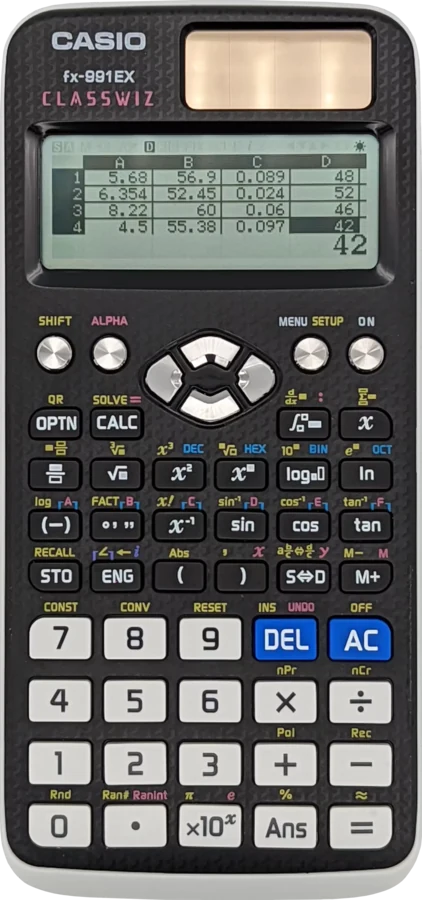
Casio fx-991EX ClassWiz
When graphing is banned
A sizeable share of university calculus courses ban graphing calculators in exams, leaving you with nothing but a scientific one. This machine is the best answer to that situation, because it evaluates definite integrals and numerical derivatives, solves equations and builds tables.
It does not graph, and it is not meant to. The idea here is to hold the best of whatever is still permitted in the exam hall.
- CAS
- No
- Python
- No
- Screen
- Natural display
- Exams
- Almost all
8 of 8 machines match.
Exam rules change. Check the current list for whatever exam you plan to sit before buying.
The dividing line
The CAS question
This is the sharpest distinction on the list, which is why I wanted to write it separately. A computer algebra system lets a calculator manipulate expressions symbolically, solving an equation for a variable or simplifying an algebraic expression.
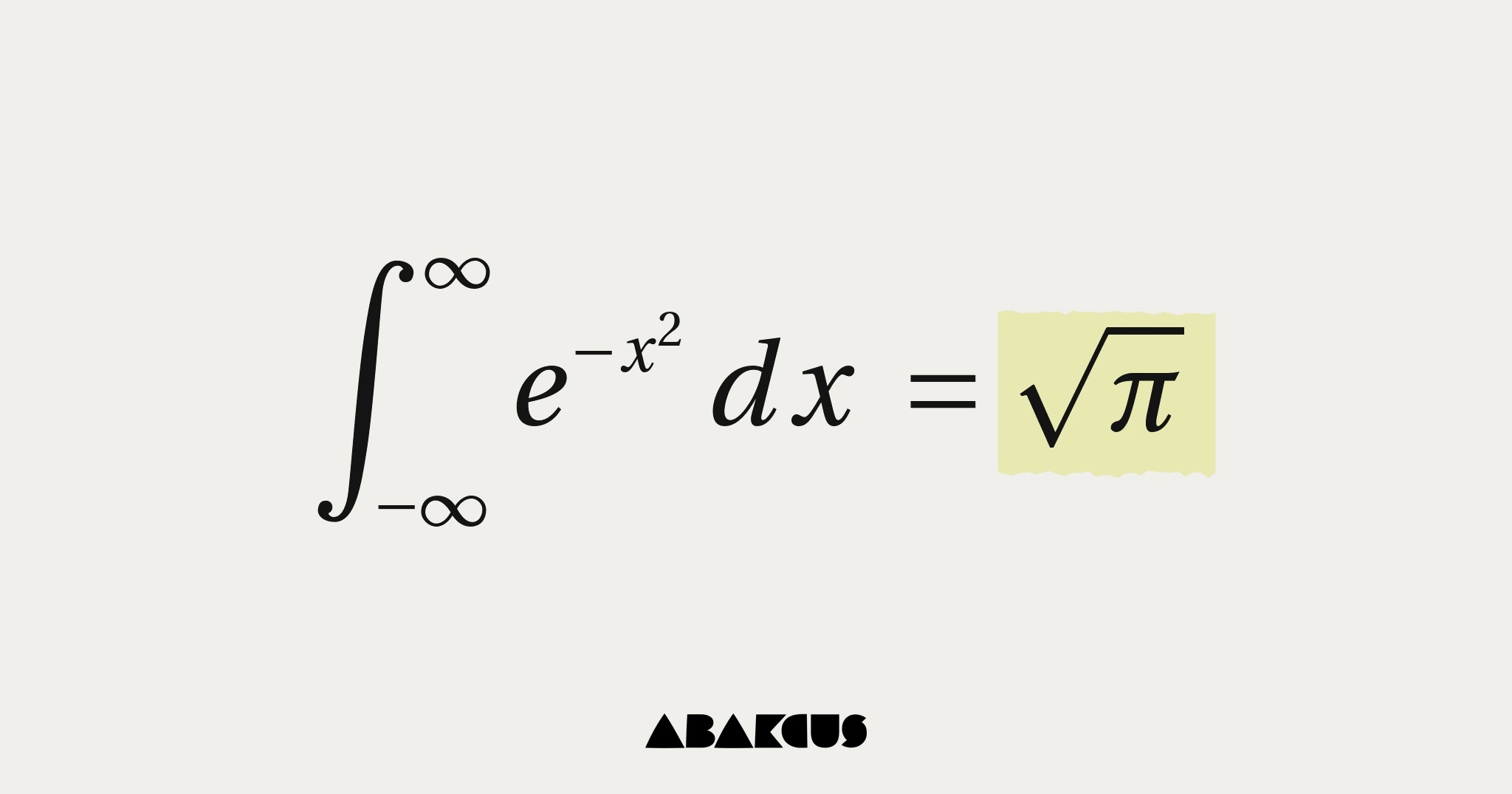
The trap is obvious. Learning derivatives is hard with a machine that takes them for you. Working through the first term on a machine without CAS, grinding out the chain rule by hand, is the better investment over time. The results that stay with you are the ones you fought for — the Gaussian integral means something quite different once you have done the polar-coordinate trick yourself. Bringing CAS in during the second term, once you know the procedure, as a checker, makes more sense.
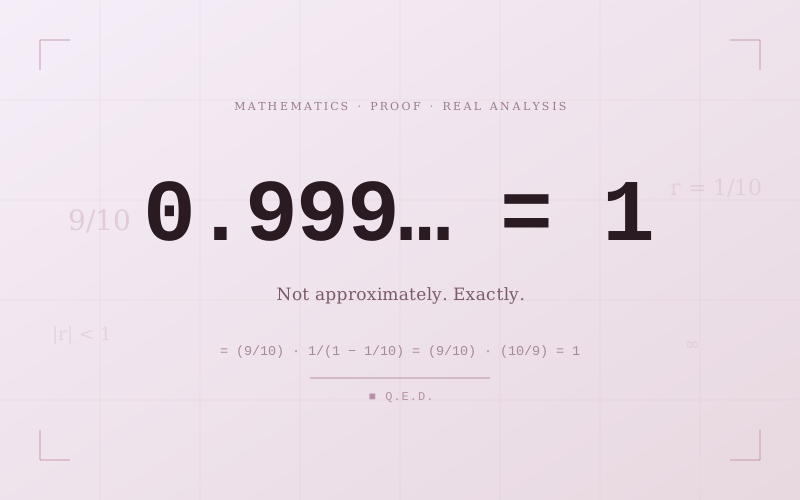
The same holds for the ideas underneath the buttons. No display will settle for you why 0.999… equals 1, and no graph replaces knowing the unit circle well enough to read a trigonometric derivative off it. The machine is there to show you the picture, not to hold the argument.
Then there is the exam side. The ACT does not accept machines capable of symbolic algebra, so buying one with CAS means needing a second device when you sit it. The first place on this list is no accident, then. For someone starting calculus, a machine that is open and free of CAS is usually the right place to begin — and if you are buying it for someone else, it belongs on the same shelf as the rest of the gifts worth giving a mathematician.
Exam compatibility and technical details compiled from manufacturer documentation and independent comparisons.
Some links on this page are Amazon affiliate links. They cost you nothing extra and help keep Abakcus running.