App Review · iOS · Android · Web · macOS
Save Everything.
Organize Nothing.
mymind's tagline. A two-word claim. And it actually delivers on it.
Platform
iOS · Android · Web · macOS
Price
Free trial · $8.99/mo
Ads
None
Tracking
None
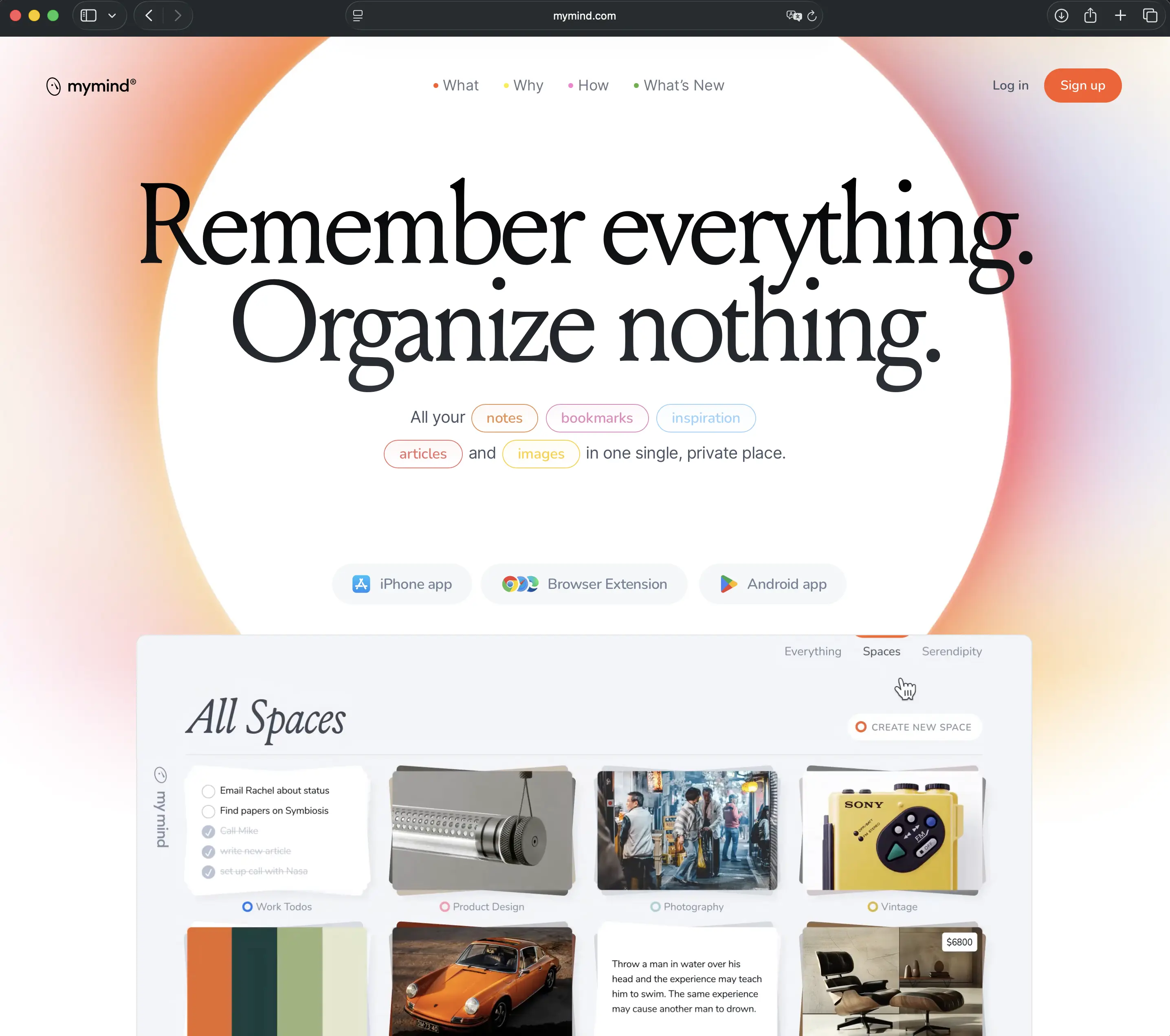
Most note-taking apps try to sell you a system. Folders, tags, databases, hierarchies. When the energy to maintain the system runs out, you stop opening the app. mymind is the thing that breaks that cycle.
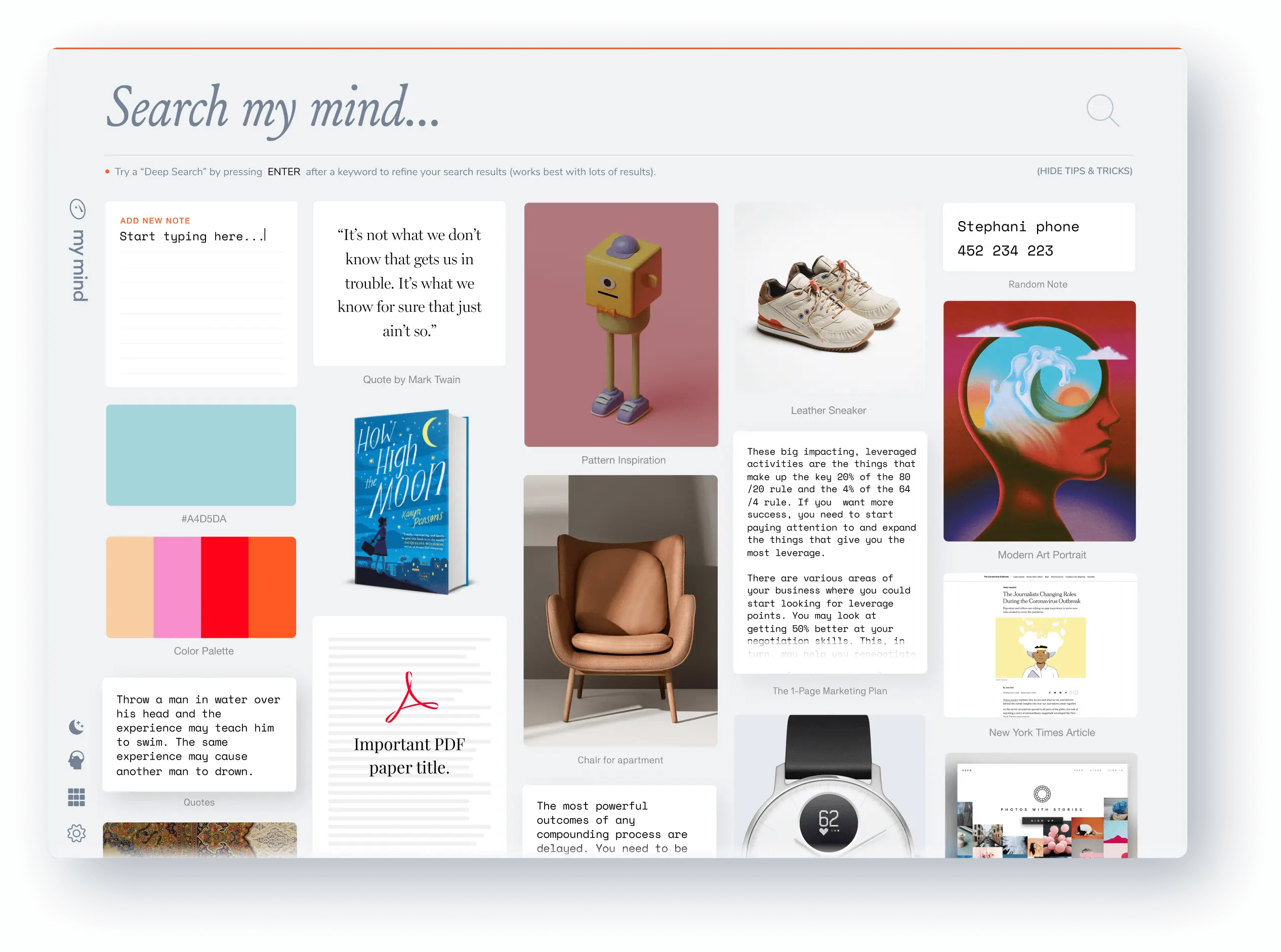
mymind's core promise is simple: you save, the app organizes. A link, an image, a note, a PDF, an Instagram post, a color code — whatever you throw at it, mymind takes it, reads the content, auto-tags it, and makes it searchable. No folder selection, no tag writing, no category assignment. You save. Then you forget. Then when you search, it finds.
“You think 'where was that architecture photo I saved six months ago?' and type 'concrete staircase.' It appears.”
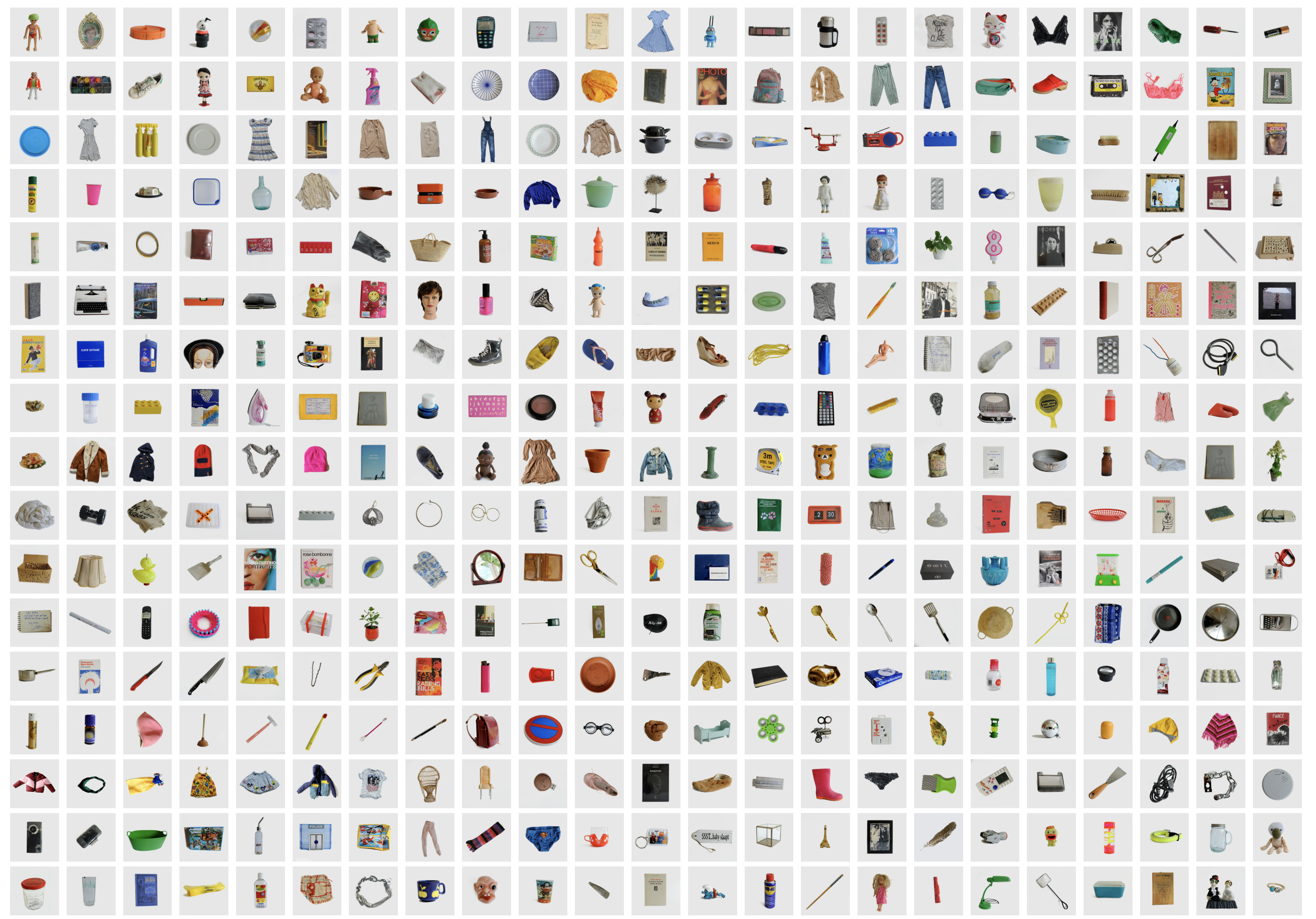
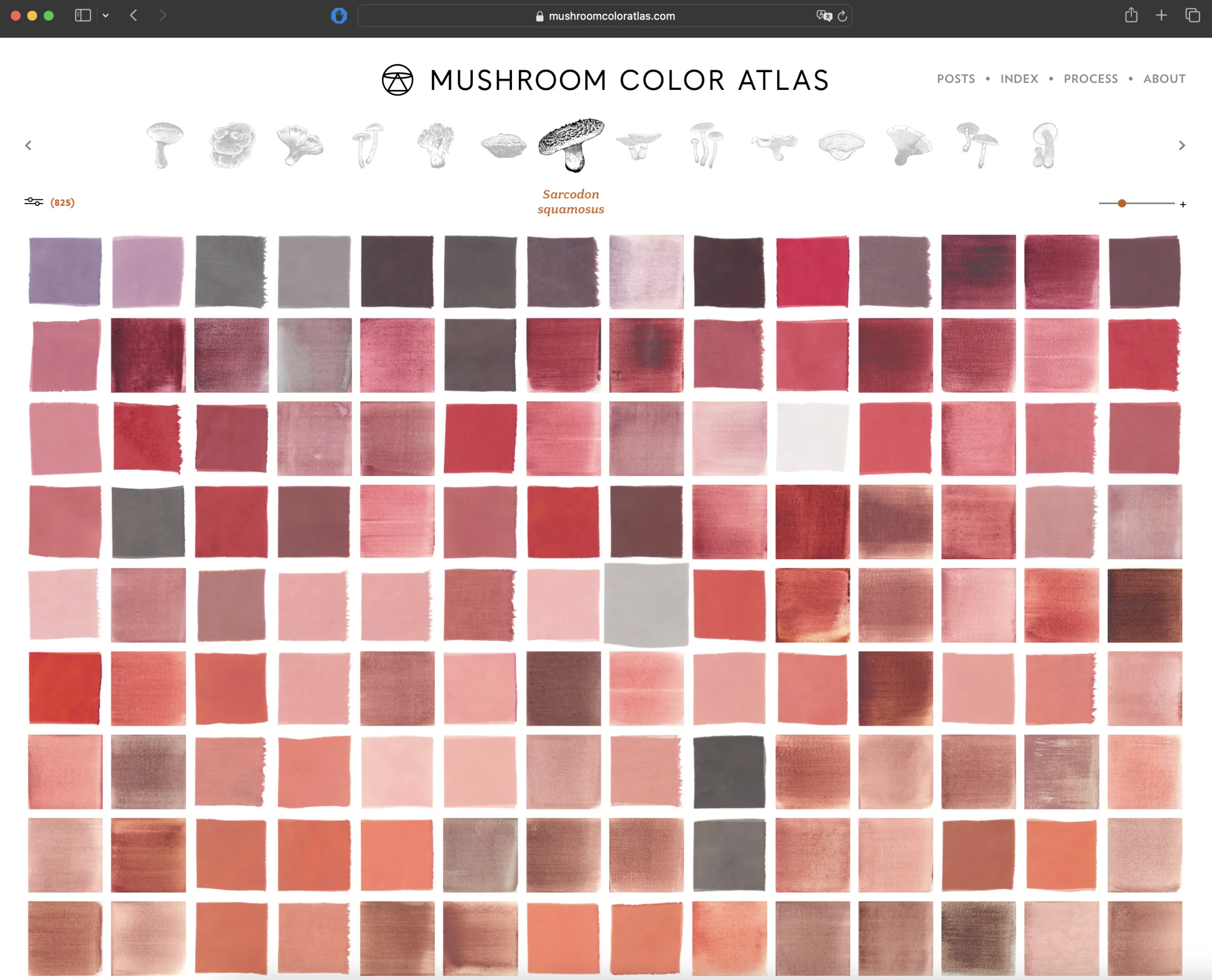
This isn't magic — it's AI tagging and visual recognition. But in daily use, it feels like magic. Save an image and mymind reads the text inside it, analyzes the color palette, identifies the objects. Save an article and it extracts the topic, the author, the key concepts. Drop in a PDF and it summarizes and tags it. All of this happens without you touching anything. Then you search with free-form phrases — "minimalist furniture," "blue tones," "Bauhaus," "that thing I read last summer" — and the system finds what was sitting in the corner of your memory.
The design deserves its own mention. Opening mymind feels different from opening other apps — the screen is clean, quiet, uncluttered. Your saves sit on a grid as cards. No ads, no notifications, no "have you tried this feature?" pop-ups. The app never pressures you to do anything. The team describes this as "personal software," and that description is accurate. It stands in sharp contrast to the trap of products built to serve platforms rather than people.
Serendipity
The most unexpected feature is Serendipity. Pull down on the screen and mymind shows you a random old save — a quote from six months ago, an image you liked a year back, a tool you saved and forgot. The name is well chosen: serendipity is the experience of encountering the right thing at an unexpected moment. The logic here is that the larger your library grows, the better Serendipity works, because the pool it draws from gets richer. mymind doesn't get smarter over time — but it gets more yours.
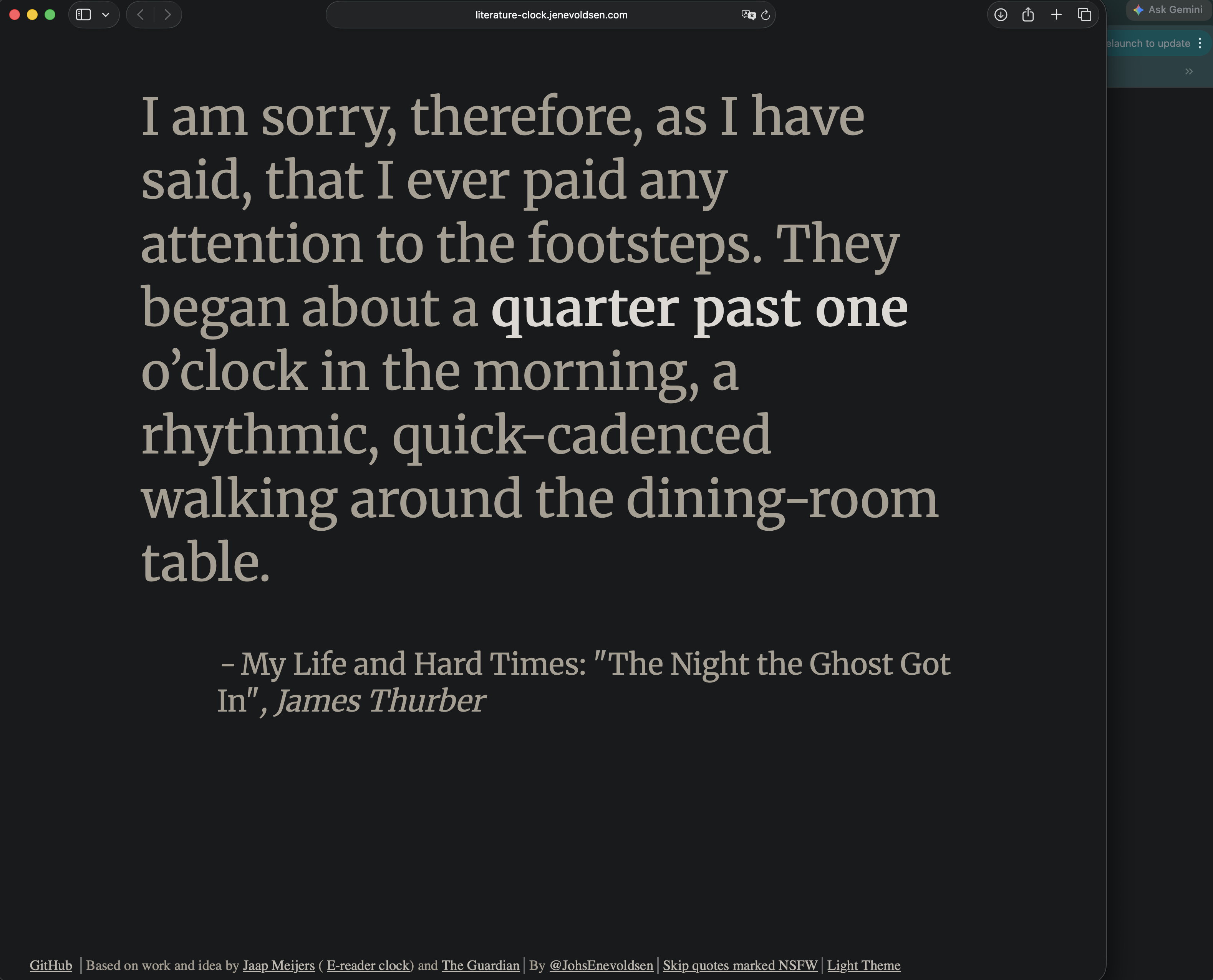
There's a parallel here with Literature Clock, which surfaces a random passage from world literature at whatever time you happen to check it. The logic is the same: a large, curated pool of things that matter — revealed not on demand but unexpectedly — produces an experience that deliberate search cannot.
The "Top of Mind" feature lets you pin your most important saves to the top of your view. For ongoing projects, active research, or sources you return to often, it's the most underrated feature in the app.
Privacy as a Real Stance
The privacy stance is serious rather than performative. No ads, no tracking, no sharing with third parties. AI analysis of notes runs on Amazon Bedrock — content never leaves AWS, never reaches the model providers. These details come from a small, independent team that chose the subscription model specifically to protect these values.
“mymind doesn't use you. You use it. In 2025, that distinction is larger than it should have to be.”
Eight dollars and ninety-nine cents a month. What you get for that: an ad-free, tracking-free, quiet space to think. There is a free plan, but it's limited. To see what the app actually does, you need at least two weeks on the paid plan — the library needs to grow before the search starts to feel like recall.
What It Doesn't Do
The limitations are real and worth naming. mymind is entirely personal — no collaboration, no shared spaces, no co-editing. It's not designed for long-form writing; notes exist but there's no deep text editor. The interface is English only. And some users report occasional bugs in the iOS app.
All of that said: mymind is one of the most honest solutions to digital clutter available right now. It doesn't pressure you to become more organized. It doesn't try to convince you to learn a new system. It says "you save, we handle the rest" — and then handles it. Many apps make this promise. Very few keep it.
The contrast with most digital tools is worth sitting with. Where something like River Runner gives you a single focused question and answers it visually — "where does this raindrop go?" — mymind asks nothing of you at all. It just receives. Both are tools whose usefulness comes precisely from the narrowness of what they ask.
¹ mymind has Chrome and Safari extensions — you save anything from the browser with a single click. Without the extension, the app's value is significantly reduced. Install it first.
² There is a free plan but it's limited. To see what the app actually does, you need at least two weeks on the paid plan — the library needs to grow before the search starts to feel like recall.
³ mymind is available at mymind.com. iOS, Android, Web, and macOS. Free trial available.